
ApkCreator Studio
Turn your website into a professional Android app.
No coding required.

Android
Studio for your phone
Generate and test on your phone.
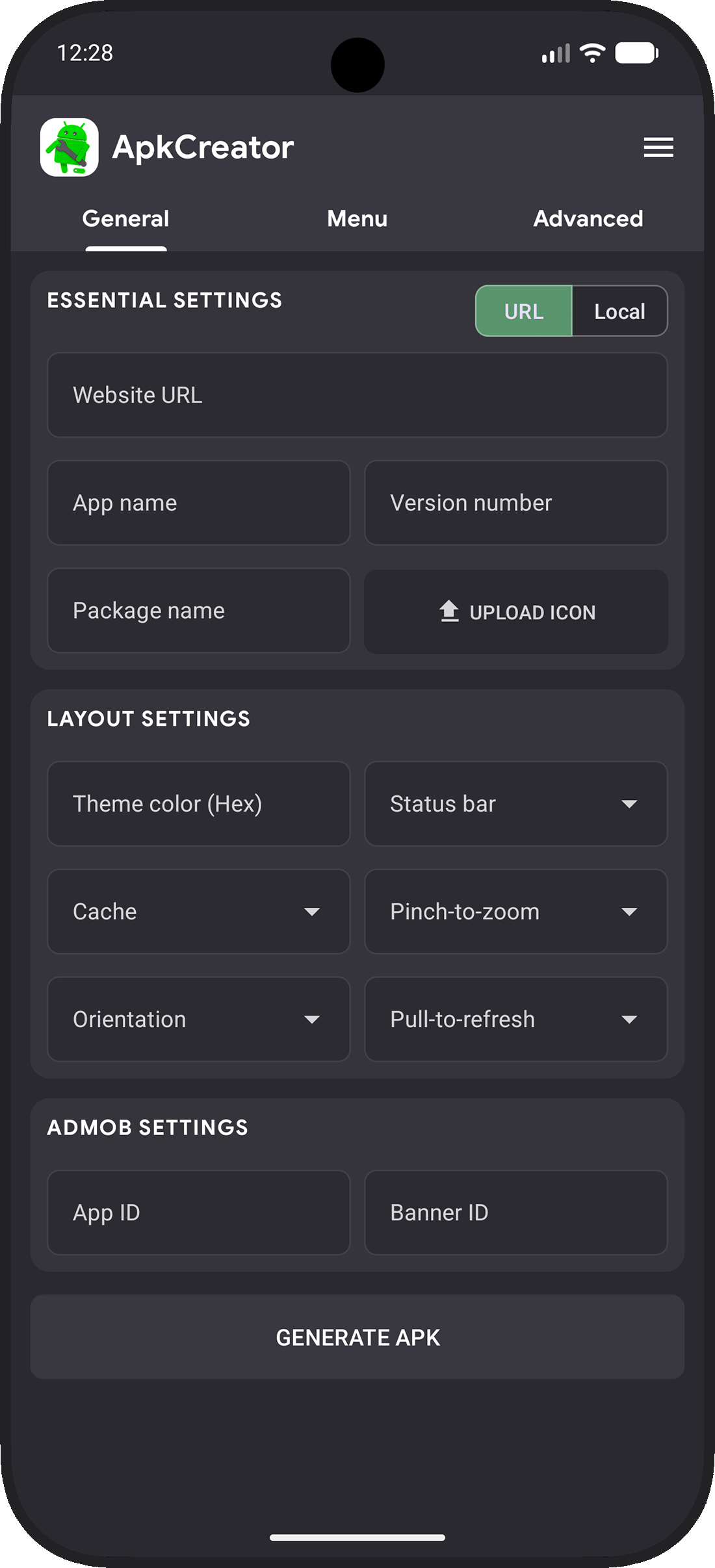

⚙️ Web2App Conversion
Convert your website or HTML, CSS and JS files into an Android WebView app.
🎨 Customizable UI
Add menus, tabs and native Android components with live preview.
🔧 Native Features
Configure permissions and advanced settings for your Android app.
📦 APK / AAB / Source
Generate an APK, AAB or source code ready for Google Play.
FAQ
First, you need to register to use the software. Launch the app for the first time and sign in with your Google account.
You need a mobile-friendly website. This will serve as the base content for your app.
• Enter your custom settings. The following fields are required: URL or Local files, app name, and version number.
• ApkCreator will generate your app file. Processing takes 10–30 seconds and you will receive a download link.
• Visit our User Guide page to get all the information you need to create your app.
• Enter your custom settings. The following fields are required: URL or Local files, app name, and version number.
• ApkCreator will generate your app file. Processing takes 10–30 seconds and you will receive a download link.
• Visit our User Guide page to get all the information you need to create your app.
You have three options:
• APK: ideal for installing and testing the app before official release.
• AAB: bundle ready for Google Play Store publishing (cannot be installed directly like an APK). • SOURCE CODE: get the full code source of your app and customise it in Android Studio.
• APK: ideal for installing and testing the app before official release.
• AAB: bundle ready for Google Play Store publishing (cannot be installed directly like an APK). • SOURCE CODE: get the full code source of your app and customise it in Android Studio.
Generating files consumes generation credits. This system regulates generation from our servers and ensures optimal performance for everyone.
• 5 generation credits are offered when creating an account.
• APK requires 1 credit, AAB requires 2 credits, and source code requires 6 credits.
• Additional credit packs can be purchased if needed.
• 5 generation credits are offered when creating an account.
• APK requires 1 credit, AAB requires 2 credits, and source code requires 6 credits.
• Additional credit packs can be purchased if needed.